


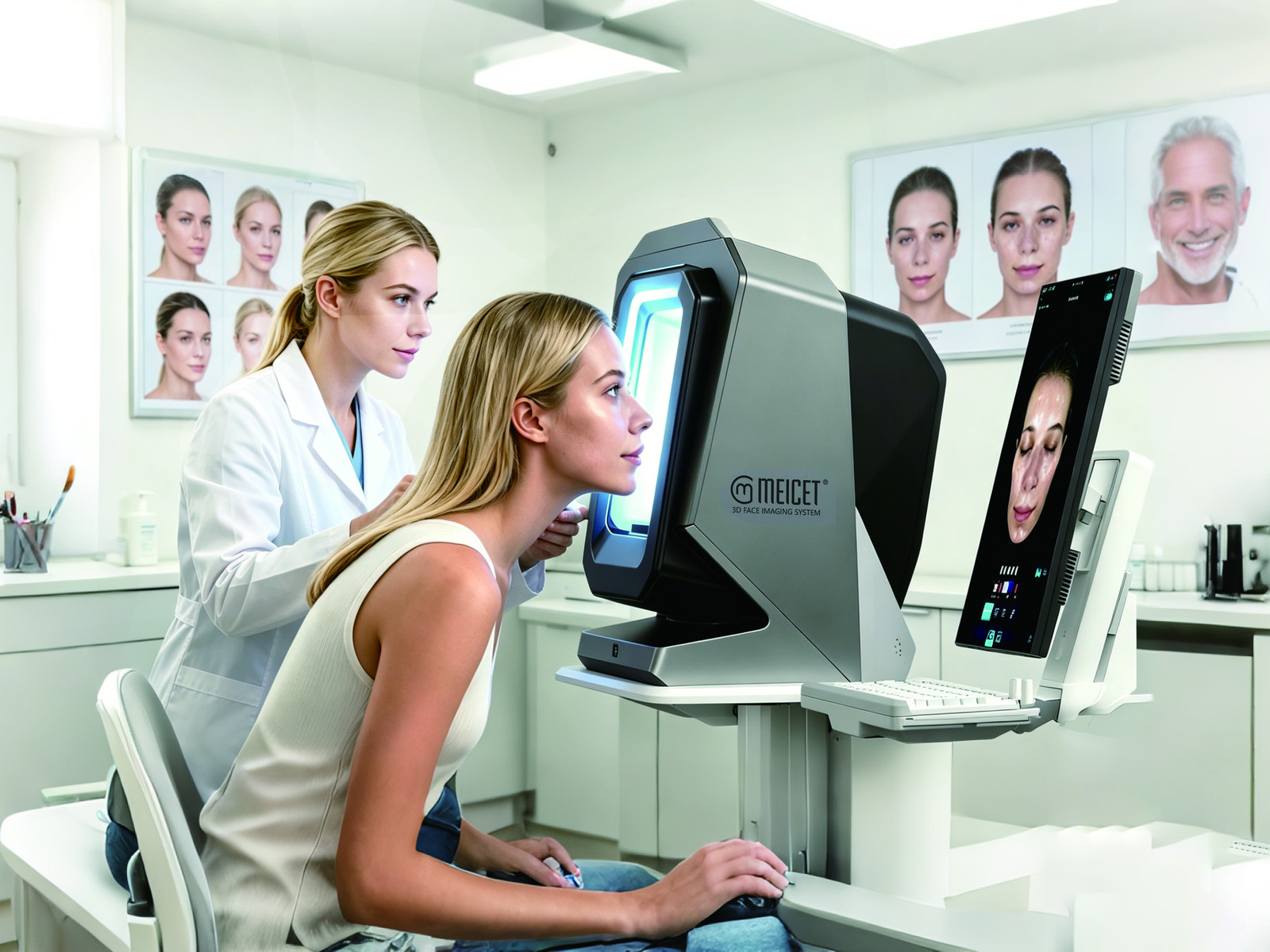
Yes, but with important distinctions between data synchronization and full CRM management. A skin analysis system like the ISEMECO 3D D9 supports multi-device access, allowing simultaneous login from iPads and computers with both local and remote viewing of synchronized analysis data. The system includes a case database that organizes records by symptom and procedure, and a data center for tracking consulting and visiting customer information. However, this is clinical record management, not a complete retail CRM. The D9 does not replace a dedicated CRM for appointment scheduling, marketing automation, loyalty programs, or cross-store customer relationship workflows—those require separate software integration or API connectivity that buyers must verify before purchase.
The D9 specification states that it supports simultaneous login and access from multiple devices such as iPads and computers, with landscape and portrait viewing modes, and the ability to view and synchronize analysis data locally or remotely. In practical terms, this means:
- A consultation performed in Store A can be viewed in Store B (or by a regional manager) without physically transferring files.
- A doctor or aesthetician can review a patient’s 3D analysis and before/after comparison on a tablet while discussing treatment options with the patient.
- Reports can be generated with the clinic’s branding and shared digitally.
This is data visibility, not CRM. Visibility means the record exists; CRM means the system actively manages the relationship—tracking appointments, sending reminders, and triggering actions.
The D9’s case database automatically records symptom names, care procedures, and durations for every comparative case generated. For a multi-store operation, this supports:
- Consistency in treatment planning: Retrieve cases with similar characteristics to review outcomes.
- Training and quality assurance: Documented cases serve as study material for new practitioners.
- Patient communication: Fast generation of before/after comparisons.
The D9 includes a data center function that “accurately analyzes consulting or visiting customer information.” This suggests the system tracks customer visit history and consultation data, though depth of integration with external scheduling is not specified.
| Requirement | D9 Capability | External System Needed |
|---|---|---|
| Patient skin analysis history | Yes | — |
| Cross-store patient record access | Yes | — |
| Appointment scheduling | No | CRM / Practice Mgmt |
| Marketing automation | No | Email/SMS Platform |
| Loyalty programs | No | POS or CRM |
| Inventory management | No | Inventory Software |
A centralized database is only useful if the data within it is comparable. The D9’s fixed-geometry design supports consistency, but across multiple stores, validity depends on:
- Device calibration: Units must be calibrated to the same standard.
- Capture environment: Identical ambient lighting and patient prep.
- Operator training: Staff must follow the same positioning sequence.
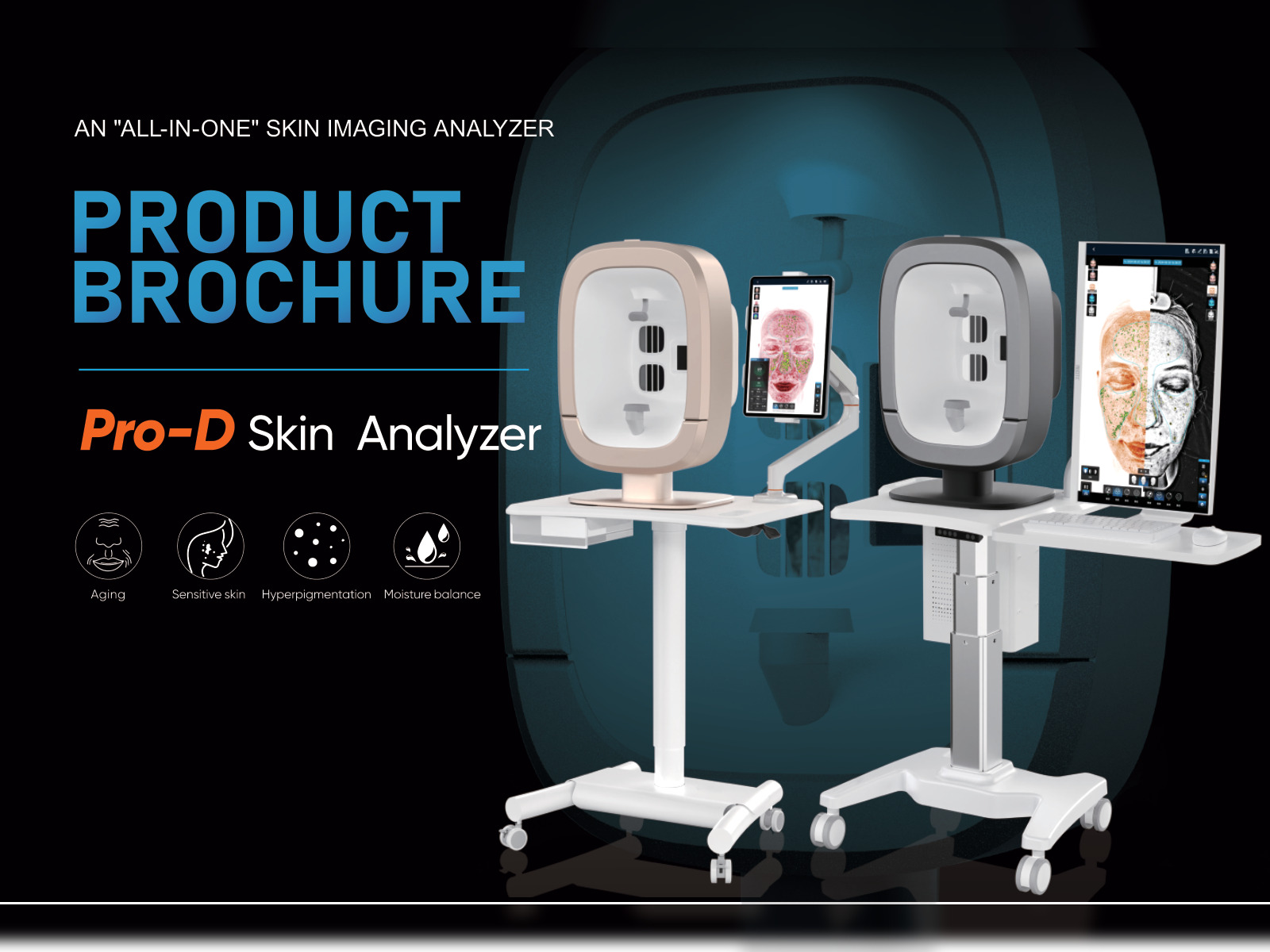
Supports simultaneous login and remote viewing. Configuration of shared accounts vs. partitioned data should be confirmed with the supplier.
Published specs do not state API availability. Automated synchronization requires direct negotiation with the supplier.
Technically yes, but clinically valid only if captured under identical conditions (calibration, positioning, lighting).
No. These are CRM functions that the D9 does not provide.
Yes. Supports customized report generation with 3D images, recommendations, and skincare plans.
Protocol standardization. Invest in training, calibration verification, and a written capture protocol before deploying across locations.
Post time: Nov-09-2026


