


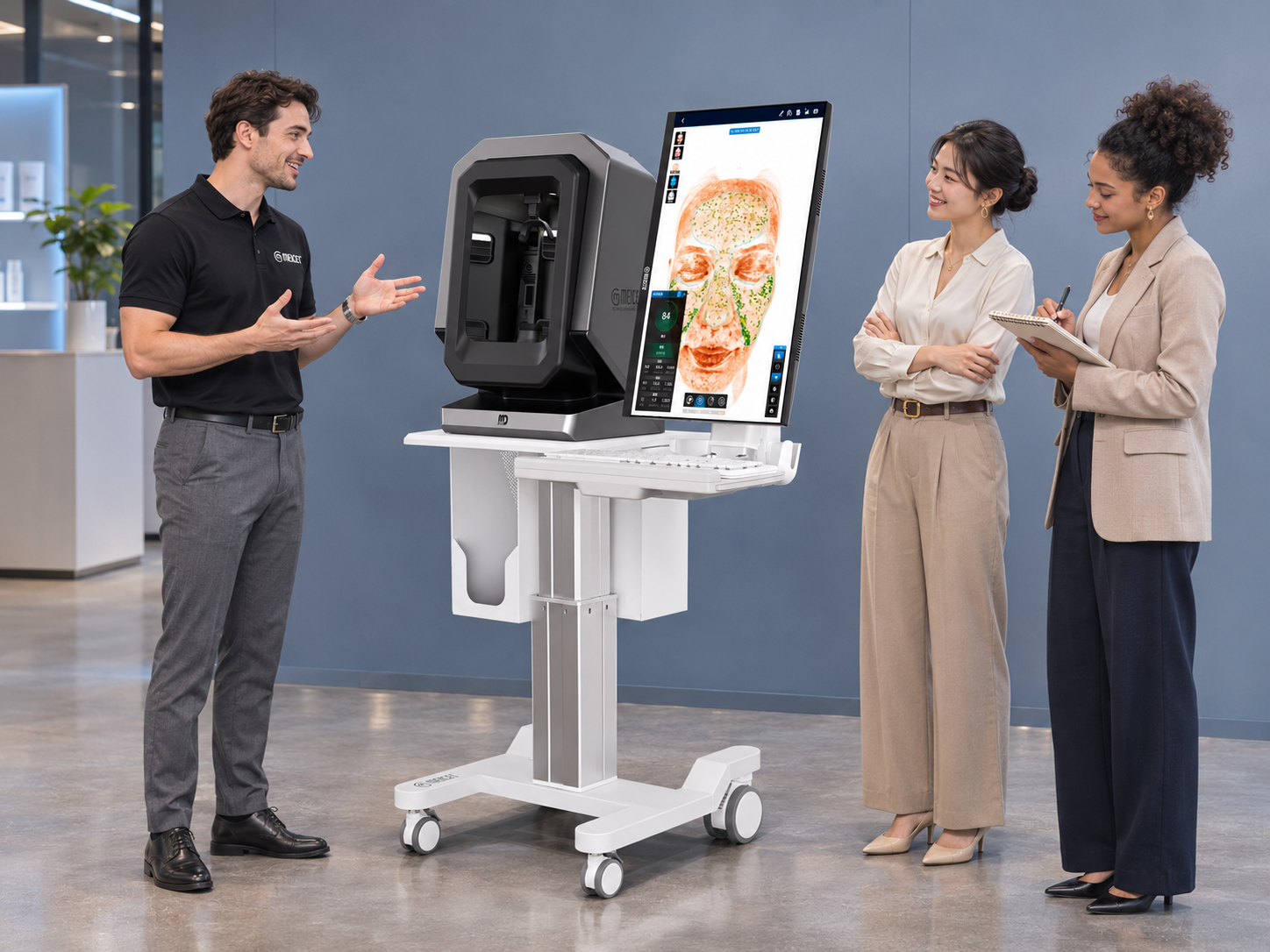
A professional skin detector machine report typically includes multispectral facial images, quantified parameter scores (pigmentation, redness, texture, pores, wrinkles), regional heat maps, and before-and-after comparisons. For white-labeling, the answer is yes—professional manufacturers offer OEM (your logo on an existing platform) and ODM (deeper customization of software, reports, and even algorithms) services. The practical threshold for branding is lower than most buyers expect: logo customization on the device and report header can start at very small order quantities, while deeper report workflow changes require higher volume commitments. The critical distinction is between cosmetic branding (your name on someone else’s report) and functional customization (your clinical logic in the report), which have different cost and volume implications.
Key Takeaways
- • A standard skin analysis report contains image views, parameter scores, regional maps, and historical comparison—not just a single “skin score.”
- • White-labeling is standard practice in the skin analyzer industry, with two distinct models: OEM for branding and ODM for functional customization.
- • Report-level branding (logo, QR code, clinic name on the report header) is the most cost-effective white-label investment for clinics and distributors.
- • True white-labeling of the analysis logic—changing what the report measures or how it grades—requires ODM engagement and significantly higher order commitments.
- • Buyers should verify whether the manufacturer controls the software stack, because a trading company can print a logo but cannot modify report algorithms or workflow.
What a Professional Skin Detector Report Actually Contains
A professional skin detector machine report is a structured document that combines visual evidence, quantified measurements, regional mapping, and historical comparison into a client-facing consultation tool. The report is not a single number or a simple image gallery; it is a layered document designed to support a conversation between the aesthetic professional and the client.
The image layer forms the foundation. A multispectral system captures the face under different lighting conditions—typically RGB (visible light), cross-polarized, parallel-polarized, and UV. Each imaging mode reveals different features: RGB shows surface appearance, cross-polarized reduces glare to reveal vascular and dermal pigment patterns, parallel-polarized enhances surface texture, and UV excites melanin to show subsurface pigmentation clusters. A professional report presents these views side by side or in a selectable gallery, allowing the professional to move between them during the consultation. The ISEMECO 3D D9MAX, for example, generates multiple skin analysis views through four-spectrum imaging, covering pigmentation, redness, texture, and aging features.
| Report Component | What It Shows | Consultation Function |
|---|---|---|
| Multispectral image gallery | RGB, cross-polarized, parallel-polarized, UV views | Visual evidence of hidden concerns |
| Parameter scores | Pigmentation, redness, pores, texture, wrinkles | Quantified baseline for tracking |
| Regional heat maps | Findings mapped to facial zones | Targeted treatment planning |
| Historical comparison | Previous scan vs. current scan | Progress demonstration, retention |
| Treatment recommendations | Suggested services or products | Bridge from analysis to purchase |
The White-Labeling Landscape: OEM vs. ODM
White-labeling in the skin analyzer industry operates on two distinct levels: OEM, where your brand is applied to an existing product, and ODM, where the manufacturer modifies the product or software according to your specifications. The distinction determines what you can change, how much it costs, and what volume commitment is required.
| Customization Level | Model | What Changes | Typical Order Scale |
|---|---|---|---|
| Device logo | OEM | Shell badge | Very small (single digits) |
| Report header & QR code | OEM | Report branding | Small to moderate |
| Software interface logo | OEM | Boot screen, menu branding | Small to moderate |
| Report template layout | ODM | Structure, fields, visual design | Moderate |
| Analysis presets & thresholds | ODM | What the report grades and how | Moderate to high |
What Report Elements Can Be White-Labeled
The elements most commonly white-labeled are the ones the client sees first: the device exterior, the report header, the logo placement, and the clinic or brand name on the report. These are the branding touchpoints that reinforce the clinic’s identity during the consultation.
The Practical White-Label Workflow
Beyond Branding: Client Perception and Retention
White-labeling is not only a branding exercise; it changes how the client perceives the analysis report. A report that carries the clinic’s name and logo feels like a clinical service the clinic owns, not a generic software output. This perception has downstream effects on how the client values the analysis and how likely the client is to return for follow-up scans.
FAQ
Q: What does a typical skin detector report include?
A: A professional report includes multispectral facial images (RGB, cross-polarized, parallel-polarized, UV), quantified parameter scores for pigmentation, redness, pores, texture, and wrinkles, regional heat maps showing where concerns are concentrated, and a comparison against previous scans if available.
Q: Can I put my clinic’s logo on the report?
A: Yes. Logo placement on the report header is a standard OEM customization offered by professional skin analyzer manufacturers. The minimum order requirement for this level of branding is typically modest.
Q: What is the difference between OEM and ODM white-labeling?
A: OEM applies your brand to an existing device and report template with minimal changes. ODM involves deeper modification of the software, analysis logic, or workflow according to your specifications.
Q: How do I verify that a supplier can actually customize reports?
A: Ask for a sample OEM agreement that specifies software and report customization terms, request a demonstration of the report editing interface, and confirm whether the supplier has in-house software development resources.
Q: Does white-labeling the report affect regulatory compliance?
A: Branding the report does not typically change the device’s regulatory classification, but the language used in a customized report may affect how the device is classified in some markets.
Post time: Nov-24-2026


