


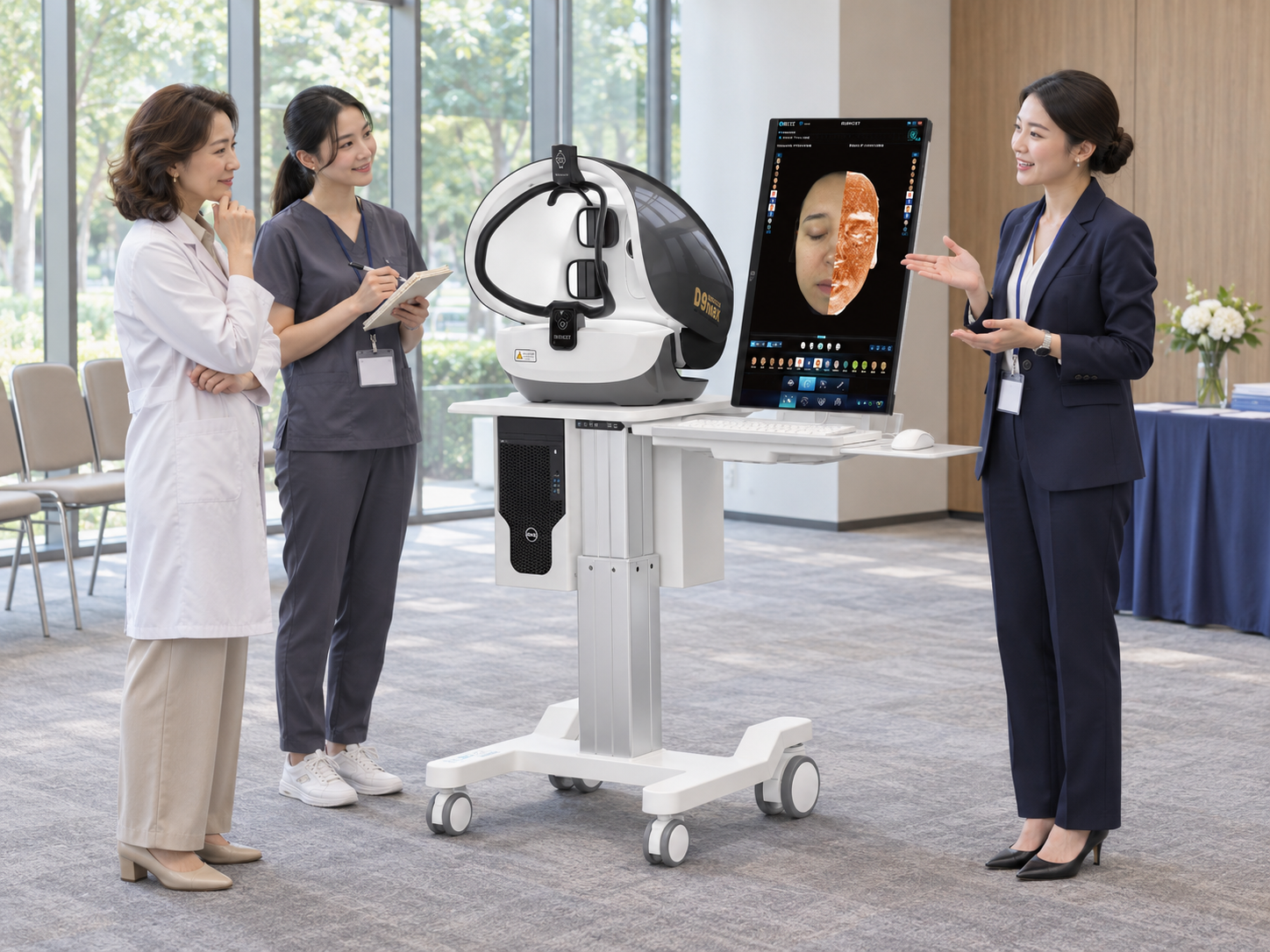
A professional 3D skin detector machine typically completes image acquisition in about 30 seconds, with AI-generated analysis reports available almost immediately after capture. For daily throughput, the actual limit is rarely the scan time itself—it is the consultation workflow surrounding the scan. A clinic using a multi-terminal review system can realistically handle well over 100 client scans per day. In contrast, reviewing reports at the capture station may limit capacity to 30–40 clients daily.
Key Takeaways
- • Scan time is not the bottleneck; consultation review time is.
- • Multi-terminal workflows decouple acquisition from consultation.
- • Repeatability features reduce setup time more than raw camera speed.
- • Peak-hour throughput depends on staggering capture and review.
- • Realistic daily capacity can exceed 100 scans in a well-designed workflow.
The Scan Itself: Why 30 Seconds Is the New Baseline
Professional-grade 3D skin analyzers have converged on capture times in the 30-second range for a full-face scan, with AI report generation adding little to no additional client-facing wait time. The ISEMECO 3D D9MAX, for example, completes a full-face capture and generates an AI skin analysis report in approximately 30 seconds, a specification that reflects the broader industry shift toward fast, automated acquisition.
The technical enabler of this speed is automated multi-angle capture. Older or lower-tier devices often require the client to adjust head position multiple times—left 45 degrees, right 45 degrees, straight ahead—with each adjustment adding time and introducing variability between captures. An automated rotating capture system eliminates these repositioning steps.
The 30-second figure should be understood as the active capture window—the time the client must remain still. Total device-occupied time per client is typically in the range of one to three minutes depending on staff familiarity and client preparation.
For clinics evaluating specific system configurations, the ISEMECO 3D D9MAX product page provides a reference for the capture speed and AI reporting capabilities.
Where the Time Actually Goes: A Breakdown of the Client Journey
The scan is a small fraction of the total time a client spends engaged with the skin analysis process; the majority of time is consumed by positioning, report review, and the consultation conversation.
| Stage | Typical Duration | Device Occupied? | Staff Required? |
|---|---|---|---|
| Pre-scan preparation | 1–3 minutes | Yes | Yes (positioning) |
| Positioning and capture | 1–2 minutes | Yes | Yes |
| Report generation | Instant–30s | No | No |
| Report review | 10–20 minutes | No (Multi-term) | Yes (Clinician) |
| Documentation | 1–2 minutes | No | Yes |
The Multi-Terminal Multiplier: Capacity Workflow
A multi-terminal review system transforms a single skin detector machine from a one-client-at-a-time bottleneck into a high-throughput capture station. This is the single most important operational factor.
ISEMECO’s documentation for its D9 series explicitly describes this “capture-and-leave” workflow, noting that multi-terminal shared access allows clients to proceed to consultation while the next client is scanned. In high-throughput configurations, the system supports daily capture volumes exceeding 400 clients theoretically.
Peak-Hour Capacity: Strategy
Peak-hour throughput is governed by queue management. The most effective strategy is staggered capture: clients are scanned as they arrive, and their reports are queued for clinician review. This prevents the device from sitting idle during the consultation conversation.
| Workflow Model | Device Occupied | Max Clients/Hour | Daily Capacity |
|---|---|---|---|
| Single-station | 15–20 mins | 3–4 | 25–35 |
| Decoupled (Multi-term) | 3–5 mins | 12–20 | 60–100 |
| High-throughput | 2–3 mins | 20–30 | 100–150+ |
Planning Your Clinic’s Capacity
Frequently Asked Questions
Q: How long does a skin detector scan actually take from the client’s perspective?
A: The active capture is approximately 30 seconds for a full-face 3D scan. Total time is typically 1–3 minutes including preparation.
Q: Can one skin detector machine handle a busy clinic with 50+ clients per day?
A: Yes, if the clinic uses a decoupled workflow. A single machine can support 60–100 scans per day under realistic conditions.
Q: What is the biggest factor that slows down daily throughput?
A: Reviewing the report at the capture station. Decoupling capture from review is the most effective improvement.
Q: Do clients need to remove makeup before a scan?
A: Yes, for accurate assessment of pigmentation, texture, and pores, the skin should be clean.
Q: Does the machine need to cool down or rest between scans?
A: No, professional-grade devices are designed for continuous operation during business hours.
Post time: Nov-24-2026


